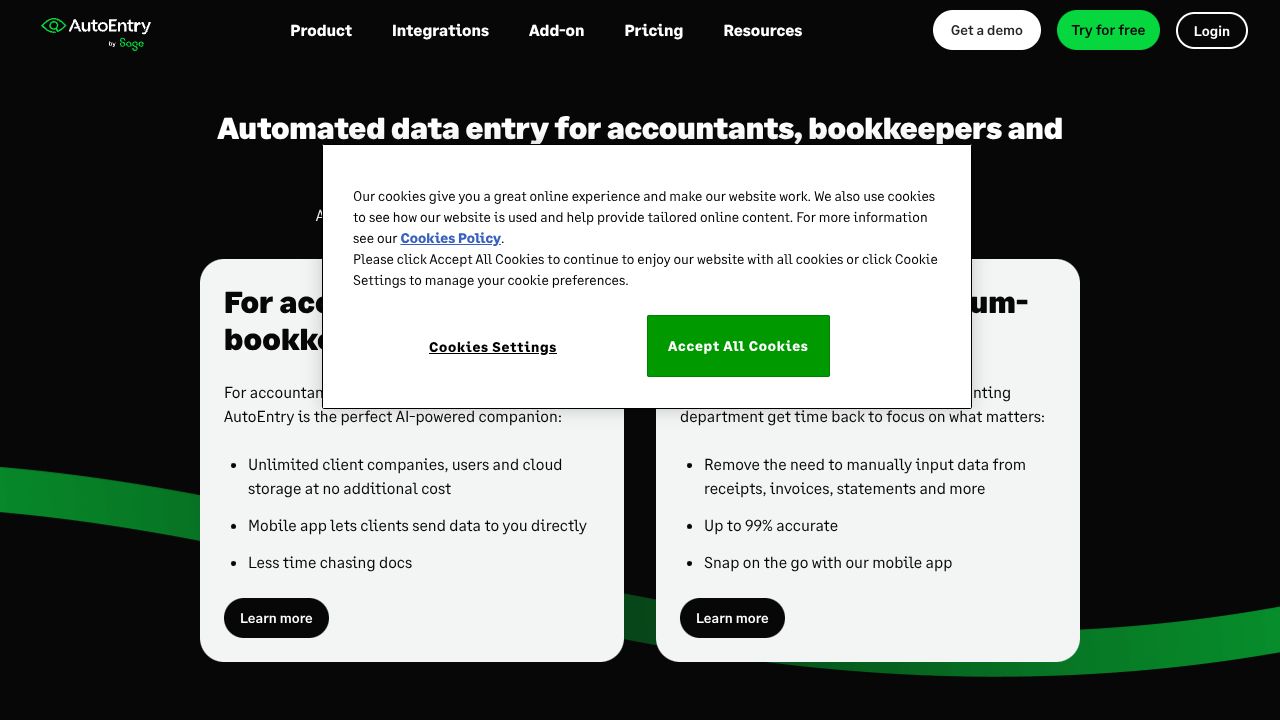
AutoEntry: A Complete Guide for Developer Tools Professionals
From Receipt Chaos to Financial Zen: The AutoEntry Revolution
Picture this: it's month-end, and you're drowning in a sea of receipts, invoices, and bank statements. Your desk looks like a paper tornado hit it, and your team is spending countless hours on manual data entry. I've been there – it's what drove me to discover AutoEntry, and honestly, it's been a game-changer for my development studio's bookkeeping nightmare.
Step 1: Your 15-Minute Setup for Success
First things first – head to AutoEntry's website and create your account. The magic starts with:
- Choose your accounting software integration (Xero, QuickBooks, or Sage)
- Set up your company profile (multiple companies? No problem!)
- Download the mobile app – trust me, you'll thank me later
- Configure your default categories (I recommend mirroring your chart of accounts)
Step 2: The Three Power Moves You Need
After testing AutoEntry with thousands of documents, here are the features that transformed my workflow:
- Smart Capture: Use your phone to snap receipts on the go. The AI handles the rest.
- Auto-Publishing Rules: Create rules like "all Staples receipts go to office supplies"
- Line Item Intelligence: It actually understands itemized receipts (I was skeptical, but 99% accuracy is real)
Step 3: Developer-Specific Automation Tricks
Here's where it gets interesting for dev teams:
- Set up vendor-specific templates for recurring software subscriptions
- Create custom fields to track project-specific expenses
- Use the API to integrate with your existing dev tools stack
Common Mistakes to Avoid
- Skipping the initial training phase: Let the AI learn from corrections
- Not using batch processing: Upload multiple documents at once
- Forgetting to set up auto-sync: Real-time syncing prevents backlog
How It Compares to Alternatives
While AutoEntry excels at financial document processing, it's part of a larger ecosystem. For complete business automation, consider combining it with other tools based on your needs.
The Bottom Line: Should You Make the Switch?
After a year of using AutoEntry, I can confidently say it's worth the investment if you're handling more than 50 documents monthly. The pay-per-extraction model means you're never paying for more than you use, and the time savings are substantial – I'm talking 90% reduction in manual entry time.
For developer teams especially, the combination of mobile accessibility and API integration makes it a no-brainer. Plus, the unlimited users model means your whole team can participate in expense tracking without additional costs.
My only caveat: if you're a solo developer with minimal expenses, you might be fine with simpler solutions. But for teams dealing with multiple clients, projects, or regular expenses, AutoEntry is the way to go.
Remember, the goal isn't just to digitize your documents – it's to free up your time for actual development work. And in that regard, AutoEntry delivers impressively.
Interested in AutoEntry?
Visit Website